Marketplace
Opens the Spicetify Marketplace. That's where you install Monostar and where updates come from.
spicetify theme · v1.1.2
I got bored of how Spotify looks, so I made it look like a night sky. Stars in the back, lyrics next to the cover and colors that change with the music.
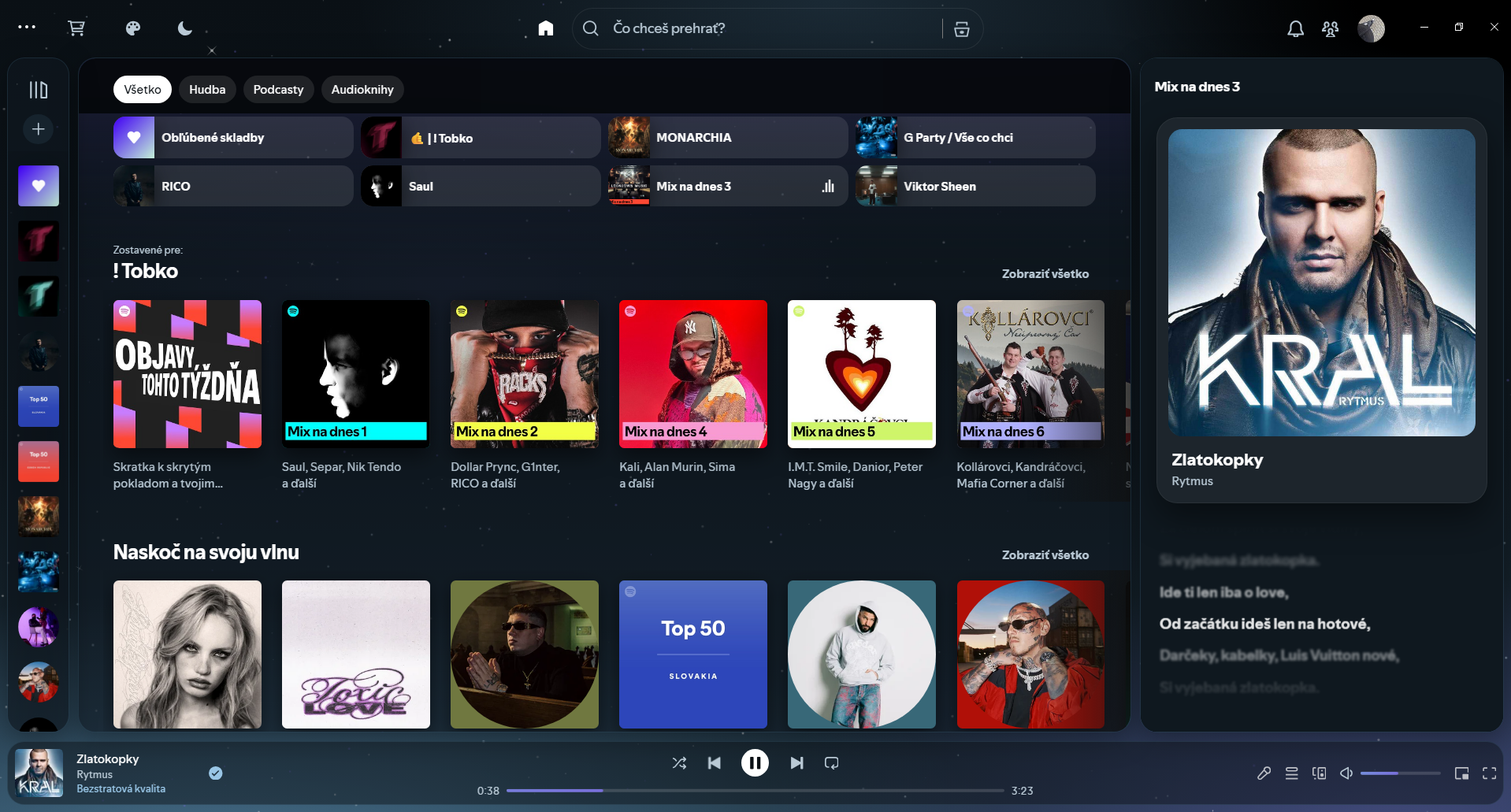
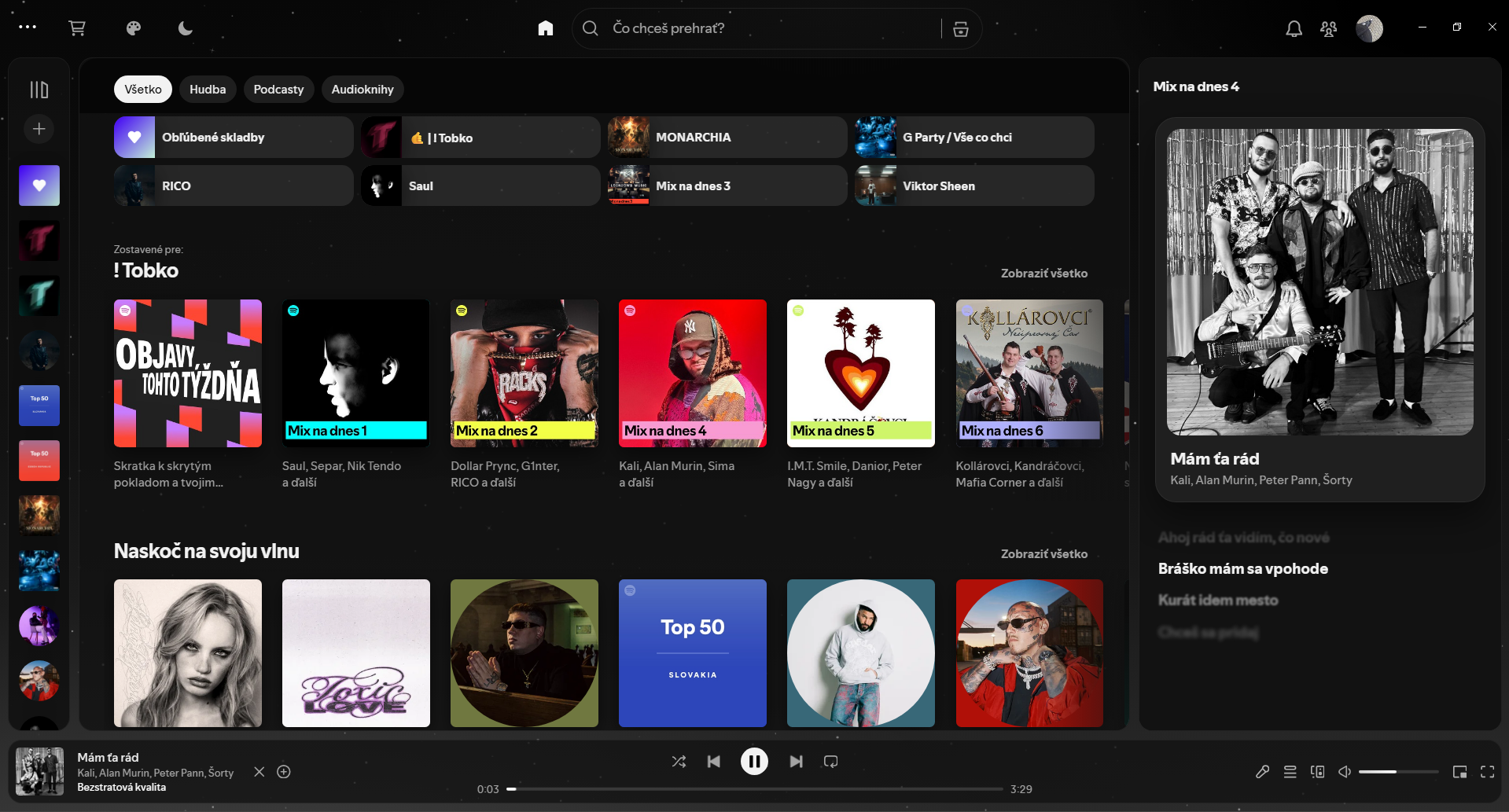
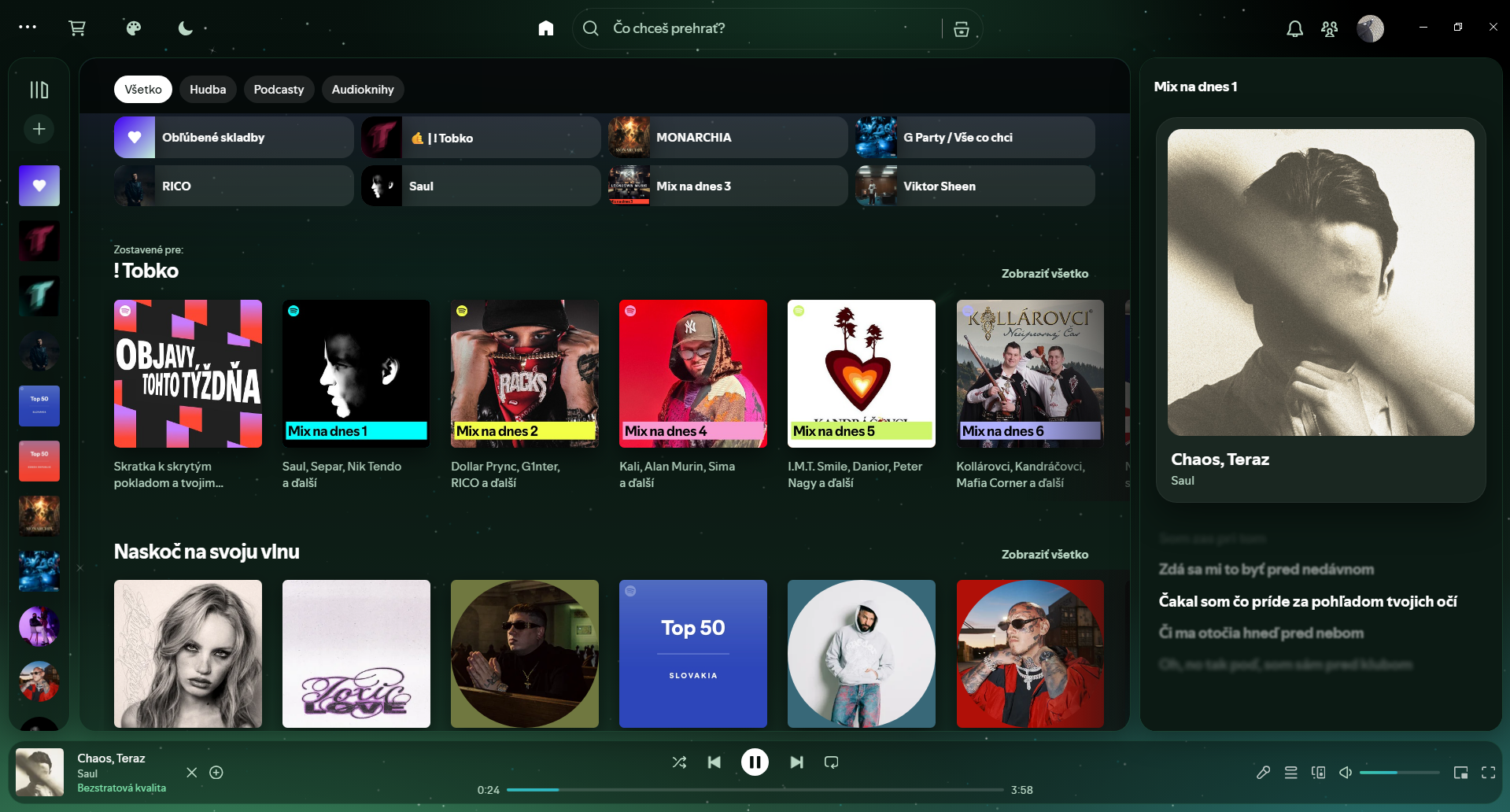
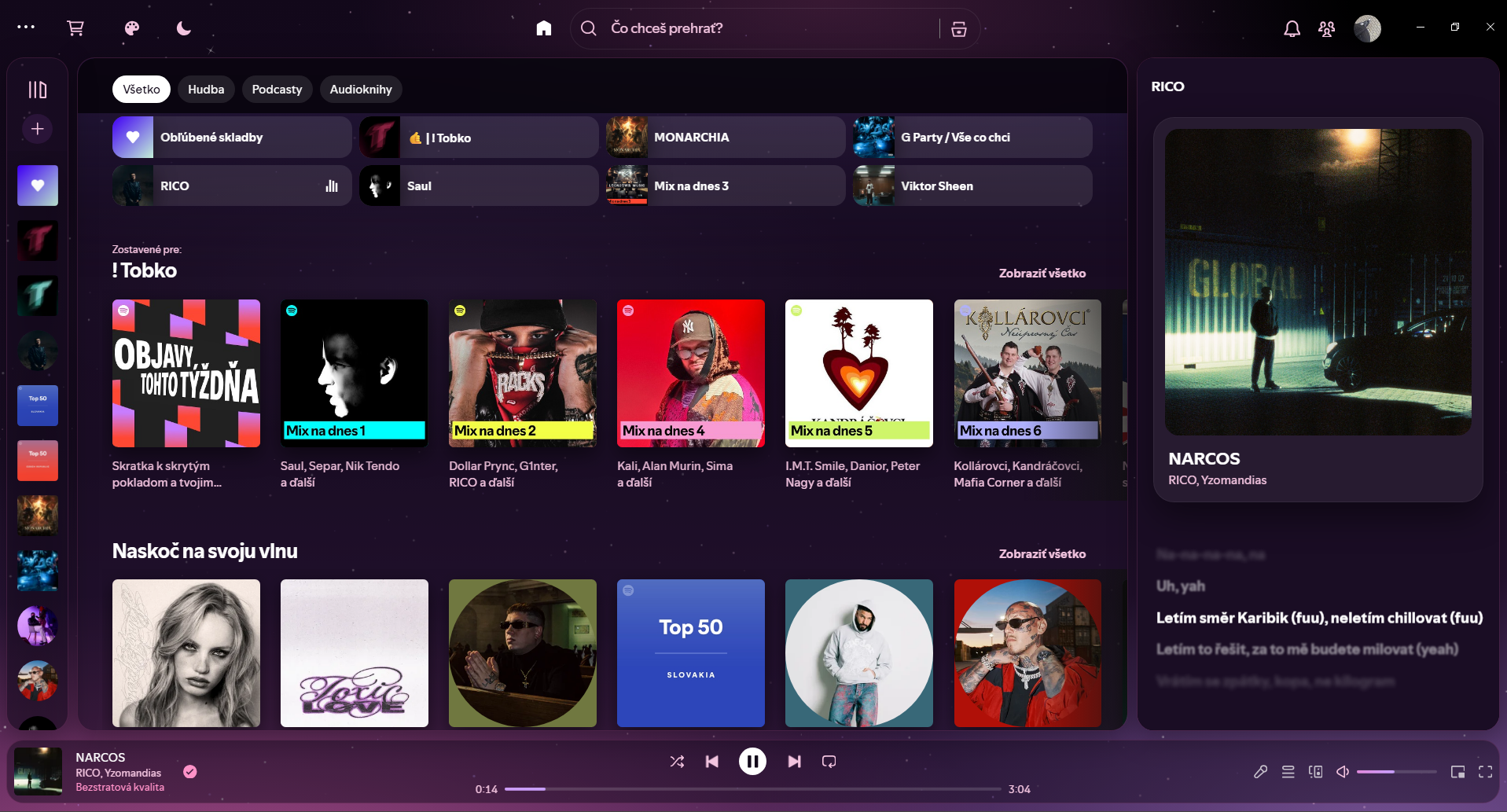
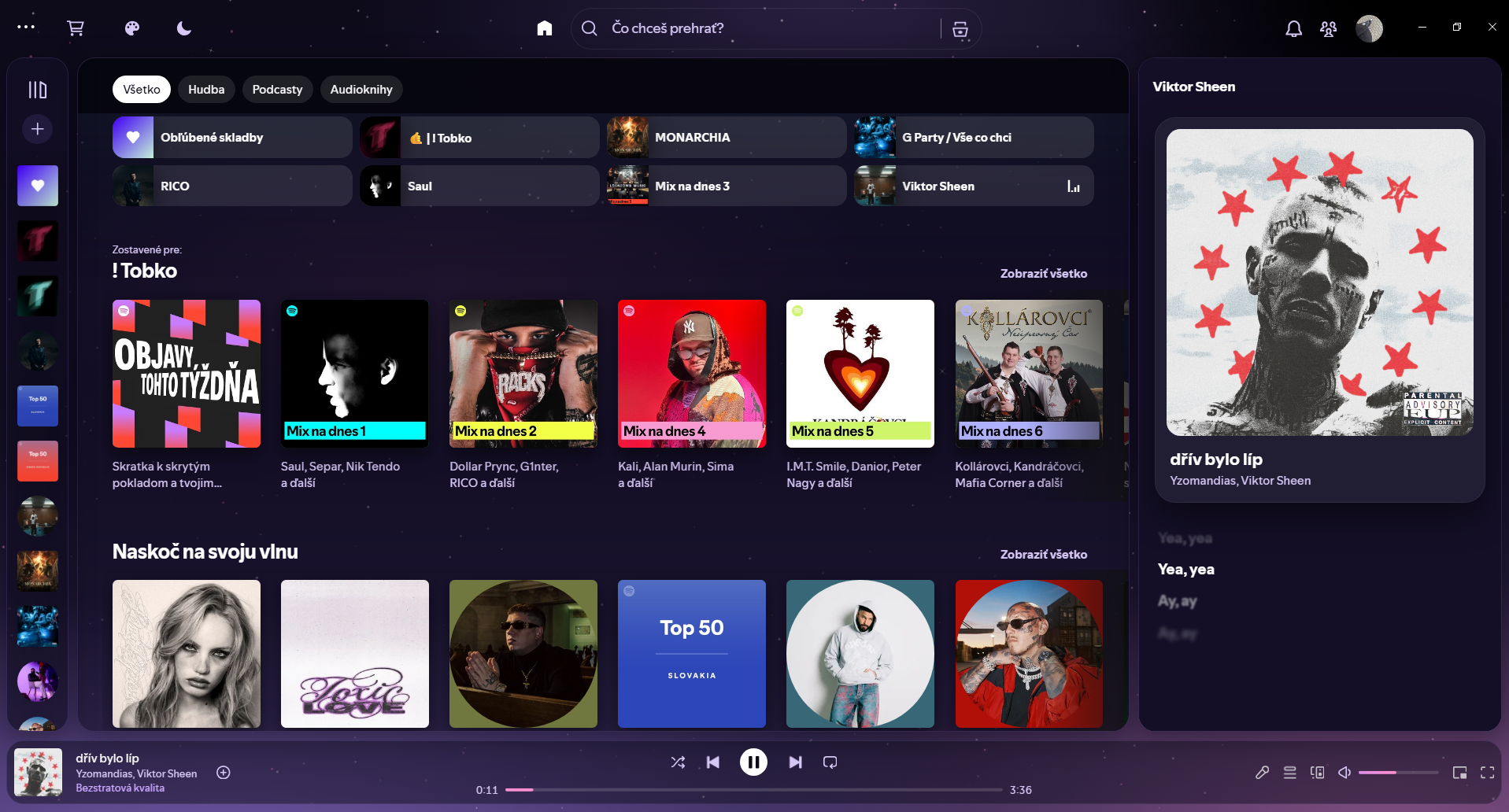
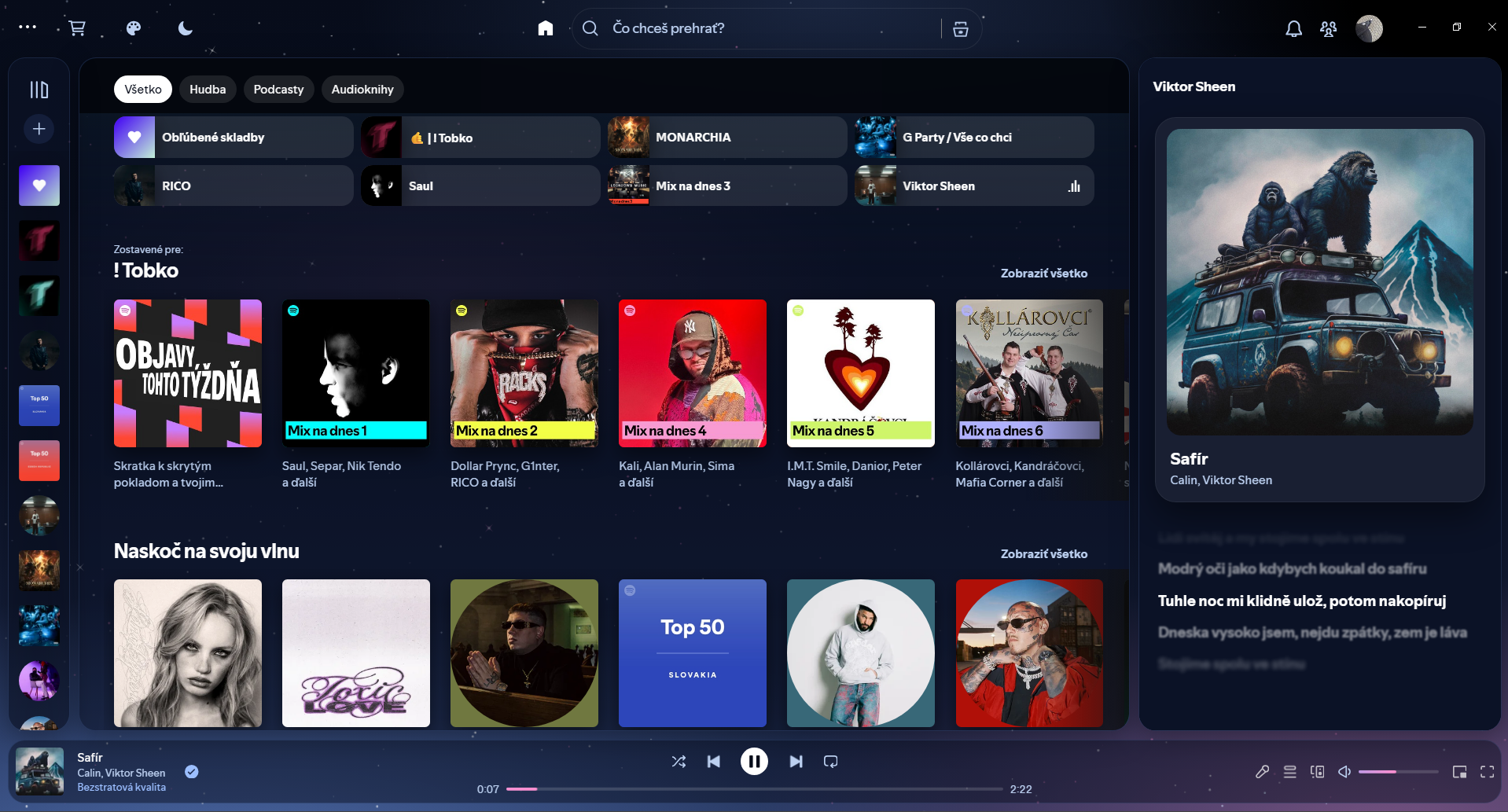
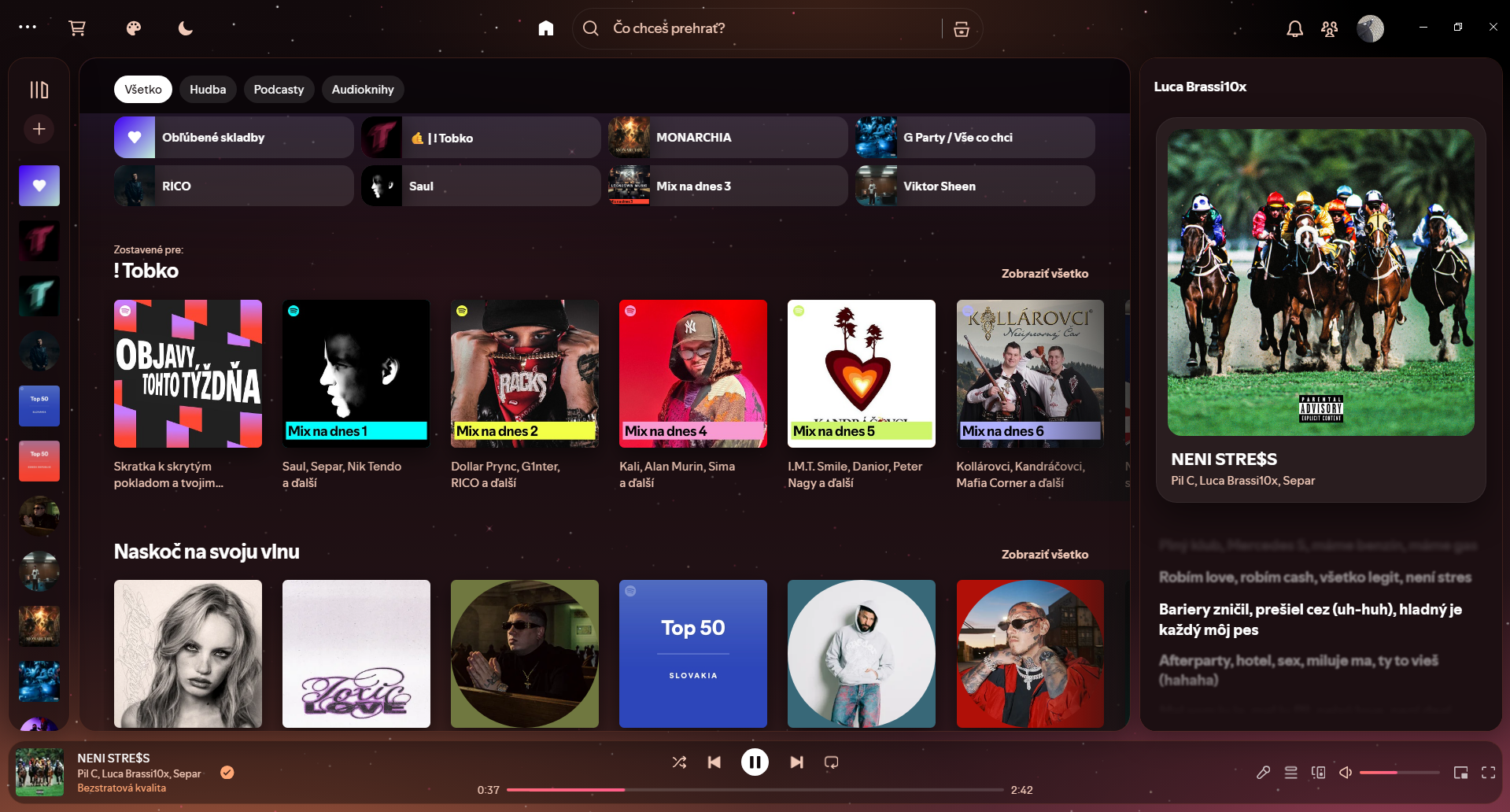
real screenshots from my Spotify. click a color.
how it works
New to Spicetify? Here's what everything on the screen does.
Opens the Spicetify Marketplace. That's where you install Monostar and where updates come from.
Opens the Spicetify Marketplace. That's where you install Monostar and where updates come from.
features
The right panel shows the cover, the song and the lyrics, line by line. Click a line and the song jumps there.
The background is a night sky. On every beat it lights up a bit, using the beat data Spotify already has.
Turn on Auto and the whole app takes its color from the album cover. Every song looks a little different.
Moon icon in the top bar. 15, 30, 60 minutes or end of the song, and it fades out instead of cutting off.
The stars are drawn once and the rest runs on the GPU. I tried it on a weak laptop and scrolling was fine.
The easy way. Marketplace is a Spicetify add-on that installs themes and keeps them updated for you.
Click the cart icon at the top of Spotify. No cart? Install Marketplace from spicetify.app first.
It doesn't have many stars yet, so it's near the bottom. Click Load more or search for it.
Spotify reloads with the theme on. Pick a color with the palette button in the top bar.
changelog
From the Marketplace it updates by itself, just restart Spotify.
stars pulse to the beat, auto colors from the cover, sleep timer, intro while Spotify loads
palette button in the top bar, forest + sunset, flat icons, glass search
first version. stars, lyrics card, rounded everything
Open an issue on GitHub, I read all of them.
Open an issue